Download C01-sshwifty-EN.pdf
Download SLIDE-C01-sshwifty-EN.pdf
Sshwifty
All Labs shall do in : Sshwifty
First Connection
Let's go on sshwifty.
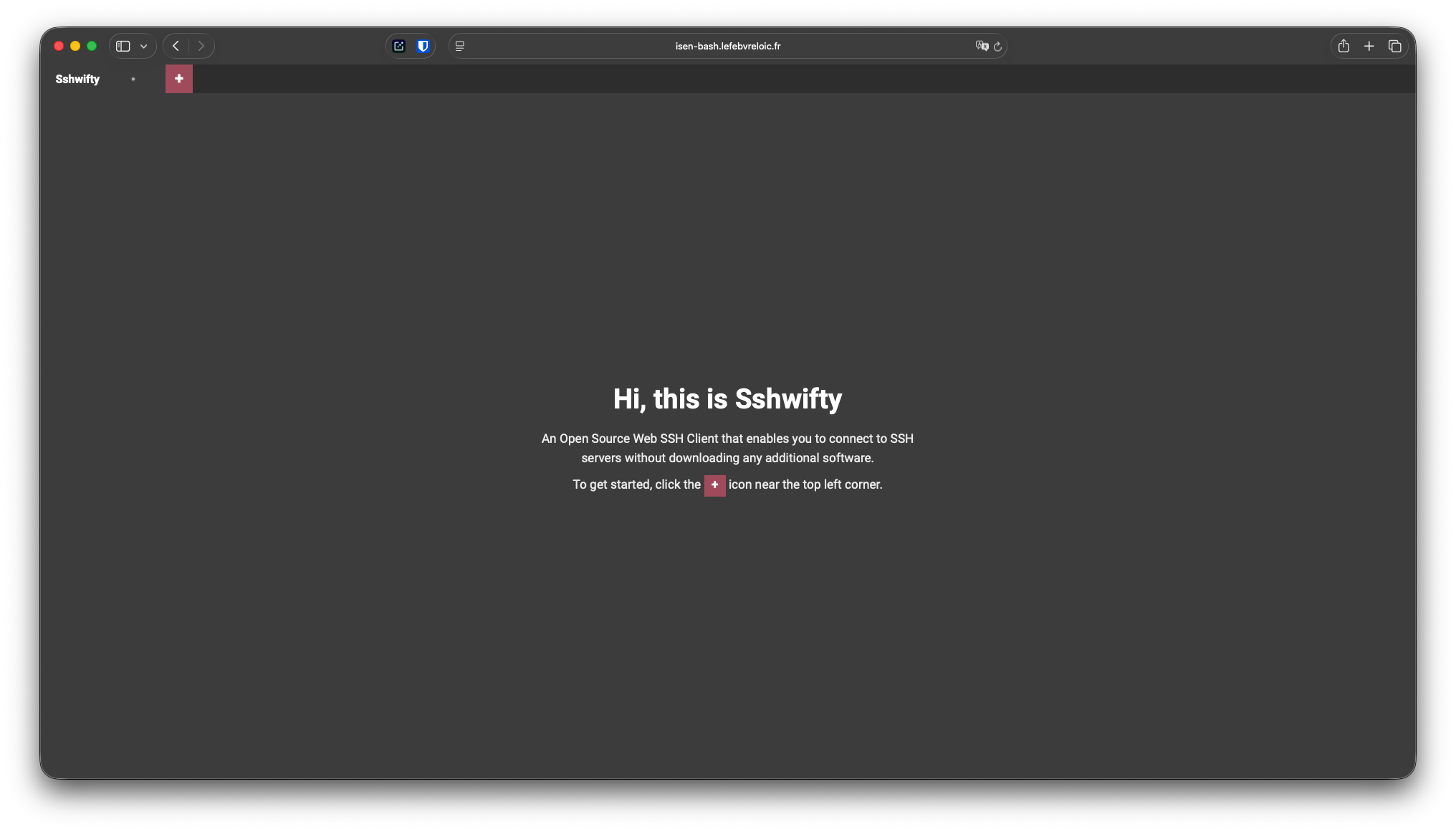
Use SSH Remote
Click on the '+' button.
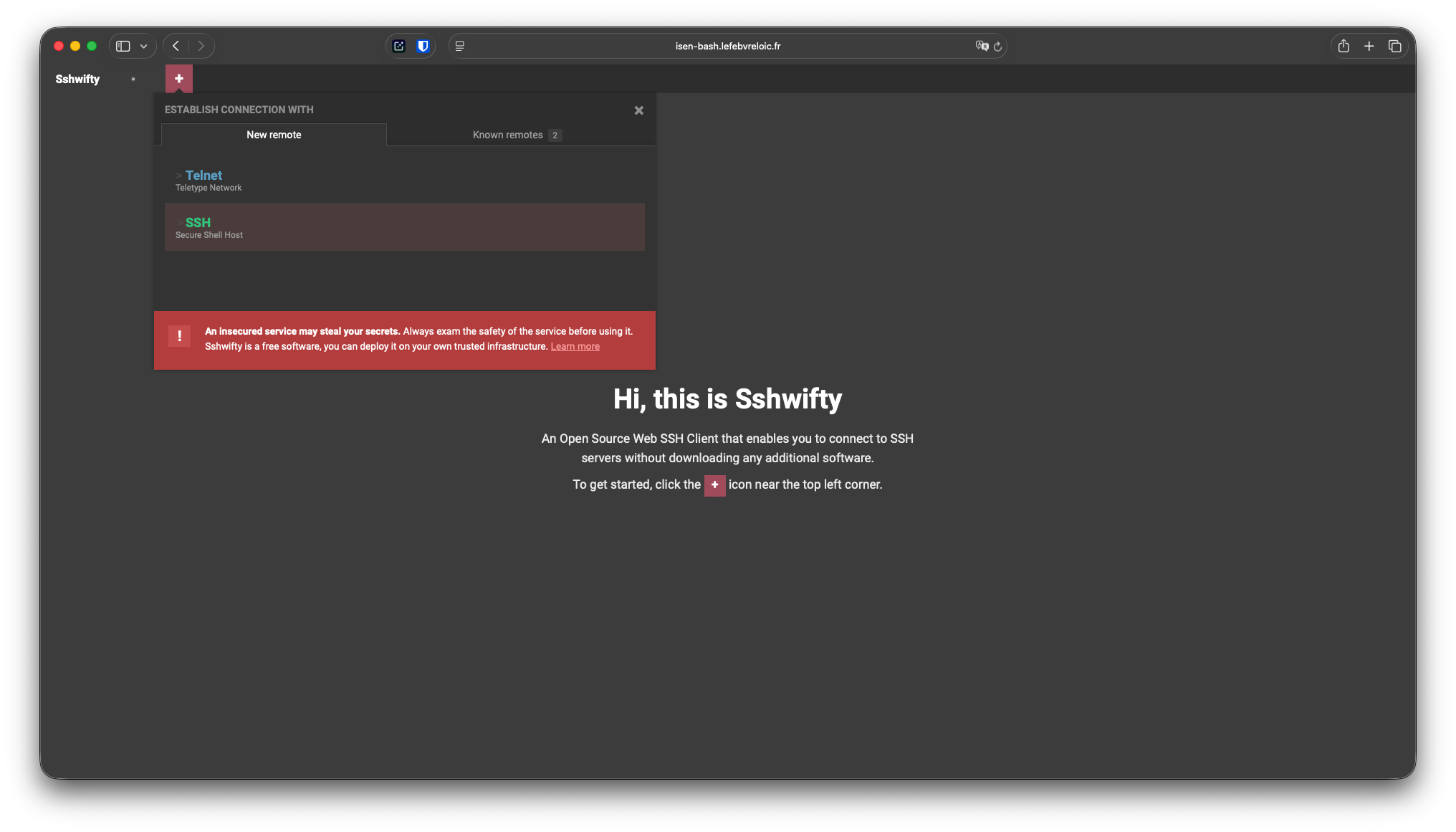
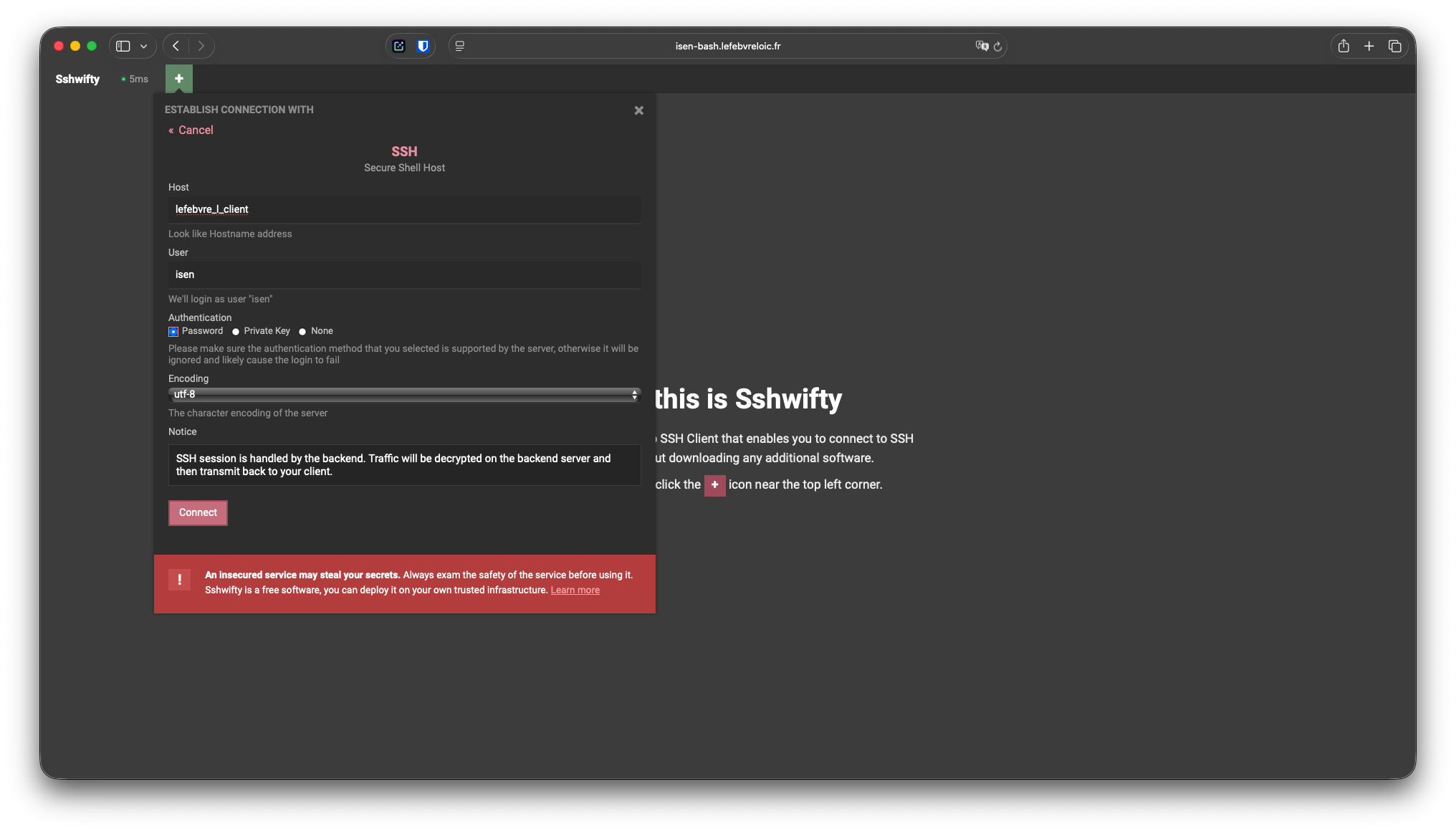
Fill in the login information
- host : name_first letter of the first name_client (if there are space in name, replace by _)
- user : isen
- default password : isen
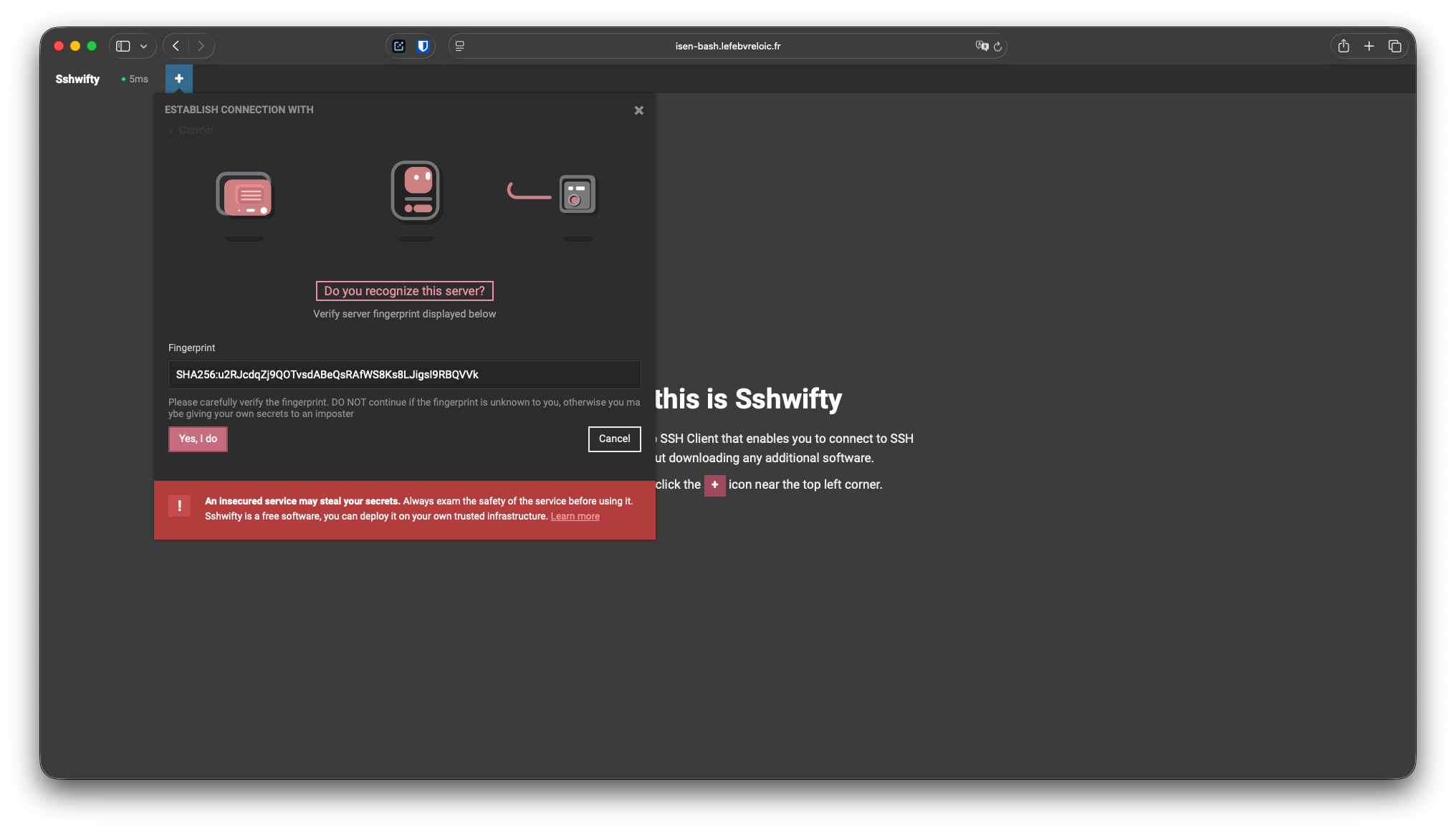
Accept ssh key
Accept ssh key.
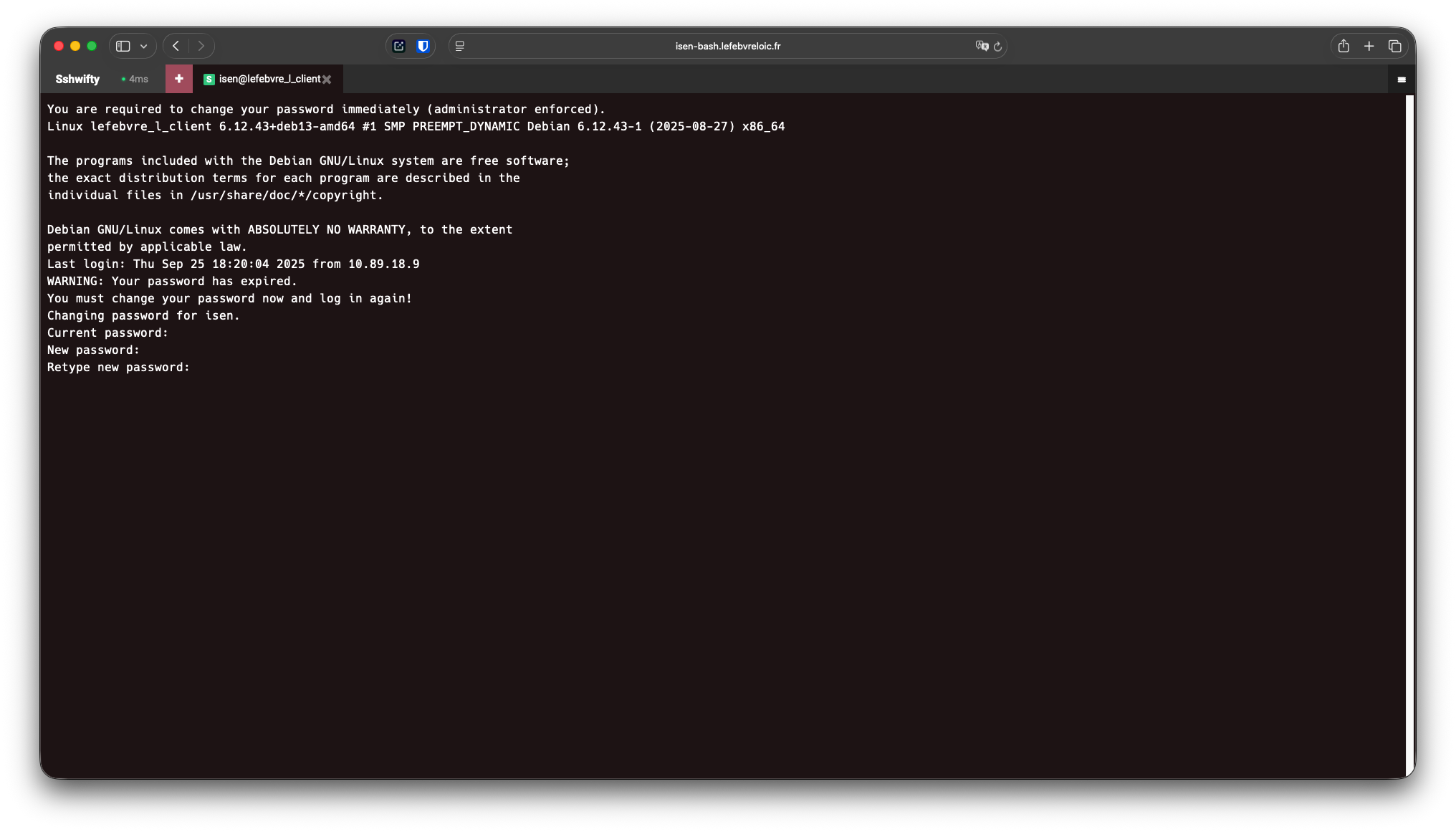
Change default password
You are forced to change your default password.
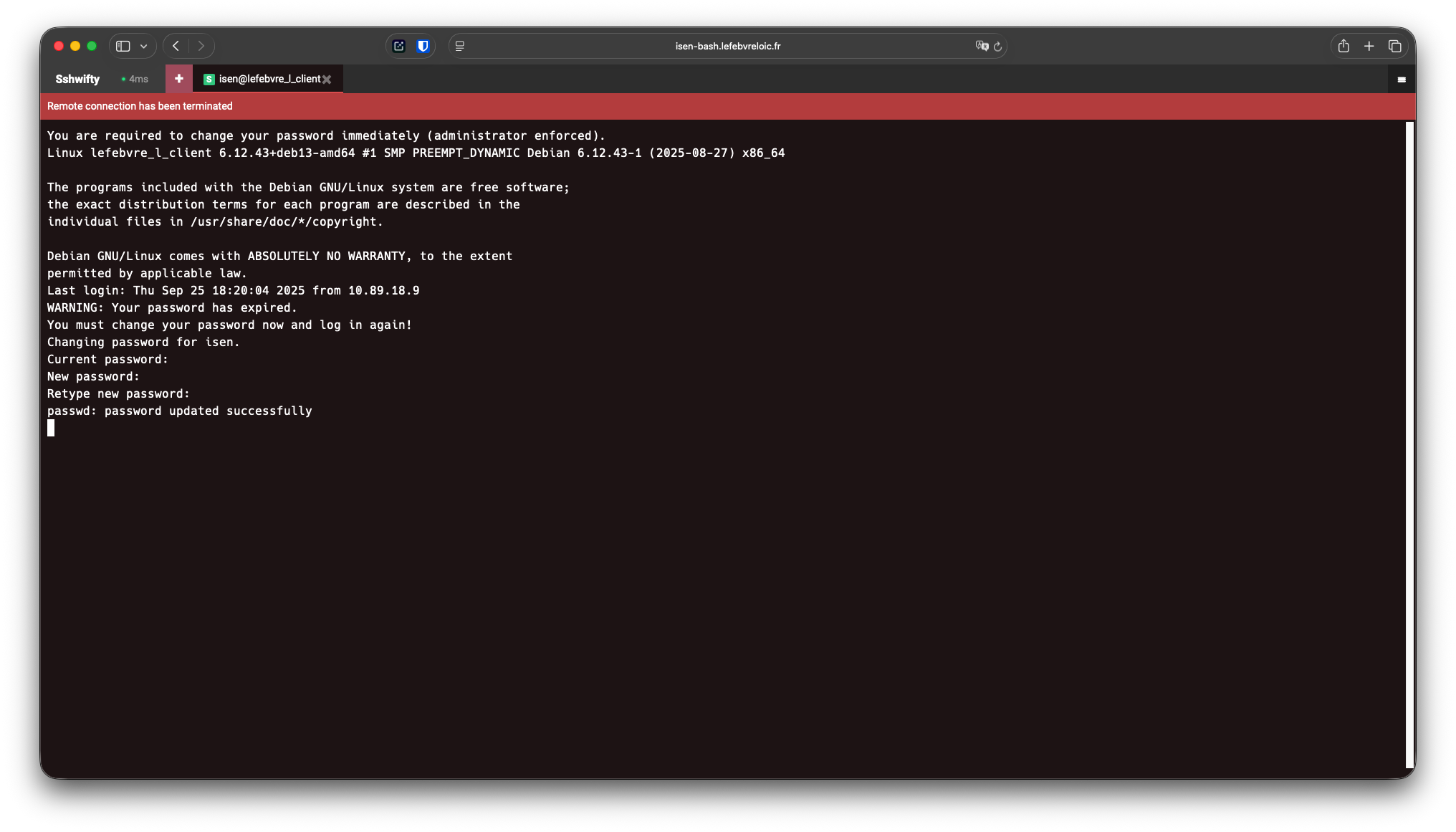
Disconnect
After changing your password you will be logged out.
Refill login information
Refill the login information
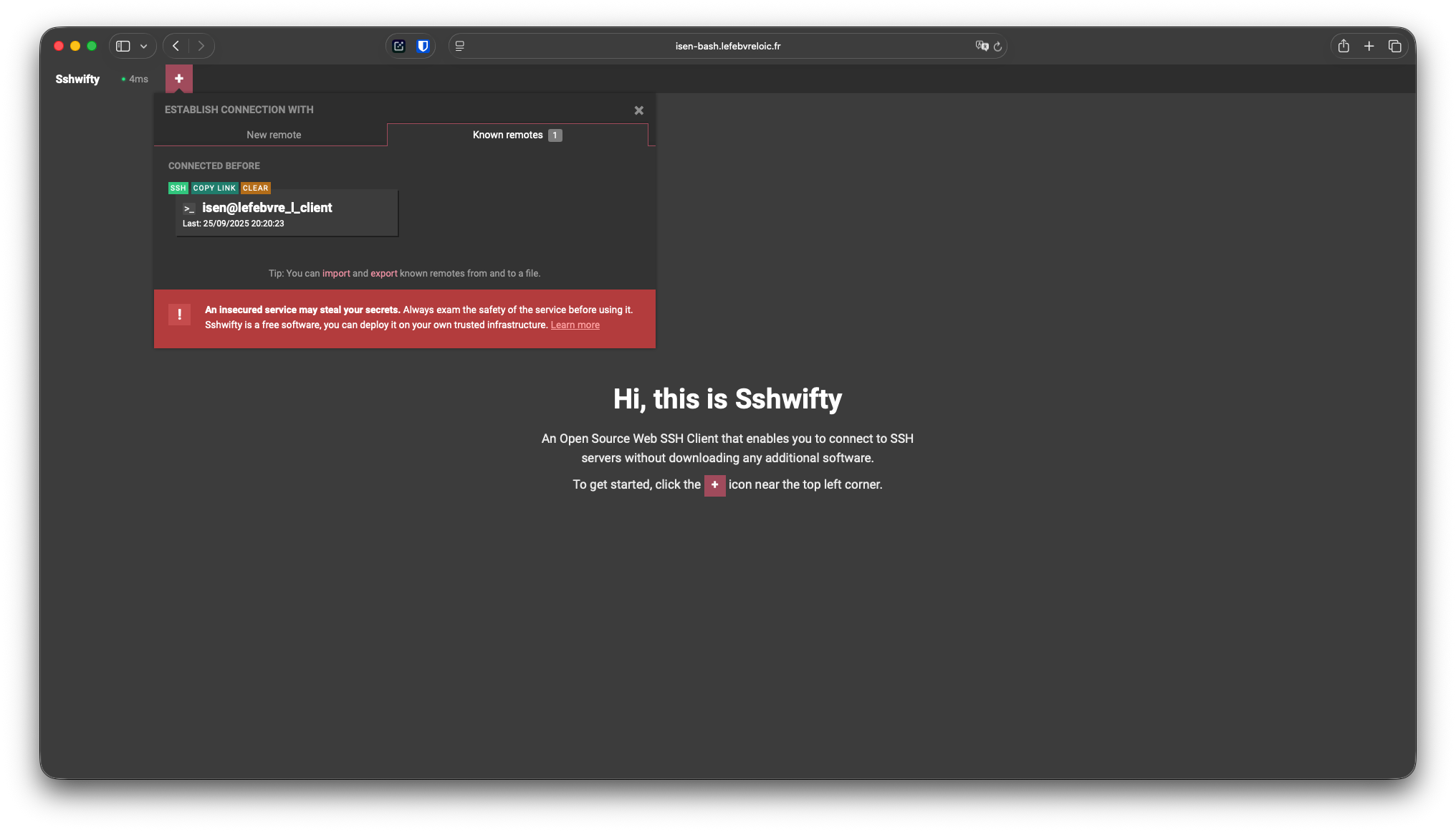
Shortcut
Now the shortcut works.
Report on labs
All reports has to be in /home/isen/LABS
One file by labs
Only text file